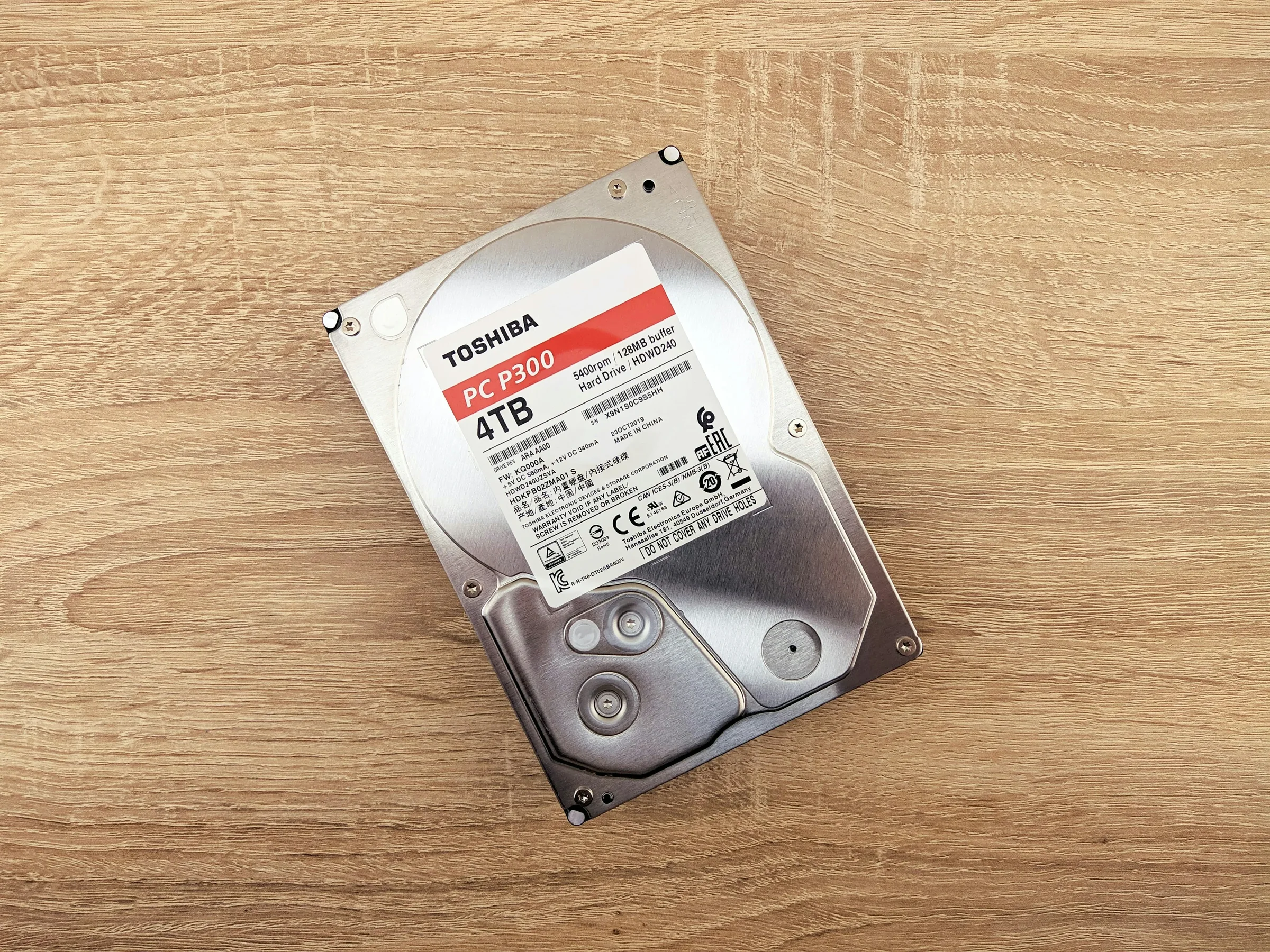
A desktop drive, a NAS drive, and a surveillance drive can have the same capacity and use the same connection. What separates them is the job the manufacturer designed them to do: how often they’ll run, what kind of data they’ll handle, and whether they’ll work alongside other disks.
The four categories describe intended use; they aren’t a ranking from worst to best.
| Category | Designed for | A good place to start when buying for |
|---|---|---|
| Desktop | Storage in a personal computer | Extra space for files, photos, and media |
| NAS | Shared storage, often with several drives running together | A home or small-business NAS |
| Enterprise | Servers and demanding storage systems | A compatible server, home lab, or busy NAS |
| Surveillance | Continuous video recording | A security-camera recorder |
Desktop: everyday storage in a computer
Desktop drives are aimed at personal computers. They’re worth considering when you want an extra disk for photos, downloads, or a media collection and don’t need a drive specifically built for shared storage.
The operating limits matter if you plan to leave that computer working around the clock. For example, Seagate’s BarraCuda 3.5-inch data sheet specifies 2,400 power-on hours per year for the models it covers. That’s a different design target from a drive rated for continuous operation.
I’d consider a desktop model for occasional storage use. For a machine serving files all day and night, I’d start with NAS or enterprise models instead. Check recording technology separately: a desktop label doesn’t tell you whether the drive uses CMR or SMR. Our CMR vs SMR guide explains the difference.
NAS: shared files and several drives in one box
A NAS, short for network-attached storage, is a box that shares files over your network. It might hold household backups, a movie library, or documents used by several people. Its drives can stay on continuously, with more than one disk spinning in the same enclosure.
NAS drives are designed around that environment. Features can include sensors that help the drive cope with vibration from neighbouring disks, and error recovery tuned for RAID—the system that combines drives and can provide protection against a disk failure. Seagate’s IronWolf specifications describe those features and continuous operation; their availability and supported number of drive bays depend on the model.
For a home NAS, this is the category I’d shop first. Check the enclosure’s compatibility list and choose CMR for an array you’ll regularly write to or need to rebuild. My CMR vs SMR guide explains what that is and why it matters.
Enterprise: drives built for server storage
Enterprise drives target servers and data centers, where storage may be busy around the clock. You’ll see families such as Seagate Exos, Western Digital Gold, and Toshiba MG in this category. Their specifications are aimed at demanding storage environments rather than just keeping personal files on a PC.
There’s overlap with NAS drives. They both are built for continuous operation and RAID storage. A compatible enterprise SATA drive can be worth comparing with NAS models for a home server or NAS. You don’t need a data center to use one.
The interface is a particularly easy buying mistake here. SATA is the connection used by most desktops and home NAS boxes. SAS requires compatible hardware so be careful.
Surveillance: keeping camera footage flowing
Surveillance drives are built for security-camera recorders that write video for long periods. That’s a different job from a NAS handling a mixture of file copies, backups, and requests from several users.
Their firmware—the software built into the drive—is tuned for recording video streams. For example, Western Digital’s WD Purple data sheet describes optimizations for continuous, write-heavy recording from multiple cameras and reducing dropped video frames. Camera counts and supported recorder configurations vary by model.
I’d choose this category for a camera recorder, using the recorder maker’s supported-drive list. For a general file server or home NAS, I’d start with NAS or enterprise drives. A disk holding finished movies doesn’t need surveillance features simply because its files are video: storing a library and continuously recording cameras are different workloads.
What to compare after choosing a category
Buy for the job the drive will actually do. A NAS model is a sensible starting point for shared storage, an enterprise model may offer good value when it’s compatible, and a desktop model can be enough for occasional file storage. Whichever you choose, keep a separate backup of files you can’t replace. Selecting the right hard drive doesn’t mean you don’t have to worry about drive failures.
Look for your next hard drive.
Compare hard drives ↗