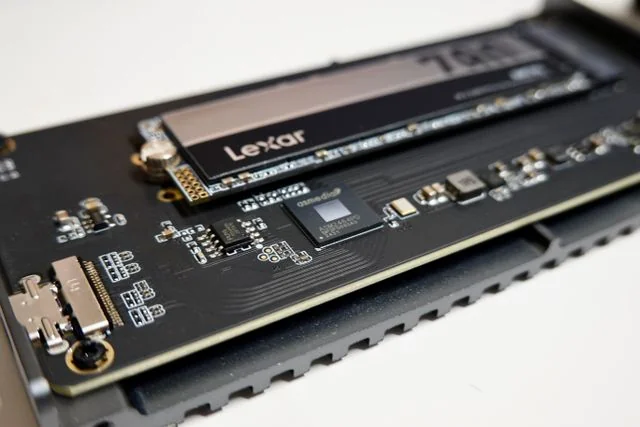
NVMe (non-volatile memory express) SSDs are faster than SATA SSDs, but the difference may be less noticeable in everyday use. If your computer already feels responsive with a SATA SSD, switching to NVMe may make less difference than the speed figures suggest. Games can be an exception: some load noticeably faster on NVMe, and a few specifically require it. If you’re buying a new drive, though, I’d choose NVMe when your computer supports it and the price is right.
Check what your computer accepts first
Check the storage upgrade instructions for your exact laptop or motherboard. Look for 2.5-inch SATA, M.2 SATA, or M.2 PCIe/NVMe. “SSD” or “M.2” alone isn’t enough: an M.2 slot may support SATA, NVMe, or both.
The drive also needs to physically fit. For example, if your computer supports M.2 2280 drives, that means it accepts boards 22 mm wide and 80 mm long. Check to make sure there’s enough room for the heatsink if there is one, especially in a laptop.
If your M.2 slots are full, a 2.5-inch SATA SSD can add storage without replacing your existing drive, provided you have a spare SATA connection and room for it.
What you’ll notice in everyday use
If you’re still starting your computer and running programs from a hard drive, I’d prioritise upgrading to either kind of SSD. Switching from SATA SSD to NVMe is usually a more modest change for everyday use.
For a sense of the gap on paper, Samsung lists sequential read speeds of up to 7,450 MB/s for its PCIe 4.0 990 PRO, compared with 560 MB/s for SATA. That’s about 13 times the transfer speed when reading a continuous stretch of data. It doesn’t mean your programs will open 13 times faster.
The higher transfer speeds don’t always translate into a noticeable improvement. IBM explains why switching from SATA to NVMe may make little difference in everyday use. If your SATA SSD already opens programs promptly and has enough space, I’d keep using it.
How much extra is NVMe worth?
Don’t assume SATA is cheaper just because it’s slower. Compare current prices for suitable drives of the same capacity and condition before deciding.
When buying a new drive, I’d pay a little more for NVMe as long as I could still get the capacity I need. I wouldn’t give up storage space for speed I’m unlikely to notice. If your SATA SSD already works well, I’d keep it unless you’re regularly waiting on file transfers or playing games that benefit from or require NVMe.
When NVMe’s extra speed matters
NVMe can shorten the wait when you regularly copy large video files. The source drive needs to keep up though, copying from for example, a hard drive, will still be limited by that drive’s slower read speed.
Demanding video projects can also benefit. High-bitrate footage and multicamera editing, where several video streams need to be read at once, are the kind of workloads that could use NVMe’s extra speed.
Some games make good use of NVMe too. In PCWorld’s 2023 test of Forspoken, one scene loaded in 7.4 seconds from a Samsung 860 EVO SATA SSD, versus 1.9 seconds from an MSI M480 Spatium NVMe SSD. The game uses DirectStorage, technology that helps games load data efficiently from fast storage.
The benefit varies by game and even by what you’re loading. TechSpot found little difference between SSD types when reloading a Cyberpunk 2077 save, but SATA took nearly five times longer than PCIe SSDs in Ratchet & Clank and struggled during some portal sequences.
Check the requirements for the games you plan to play. Bethesda requires an NVMe SSD for DOOM: The Dark Ages, so SATA isn’t a supported substitute there.
For ordinary desktop use, NVMe’s extra speed is often a useful bonus rather than a reason to replace a working drive. I’d buy it when there’s a good price, or when my work or games can take advantage of it.
Look for your next drive.
Compare SSDs ↗